

Hoopla & Libby Library Card Tips for Ultimate Reading Experience

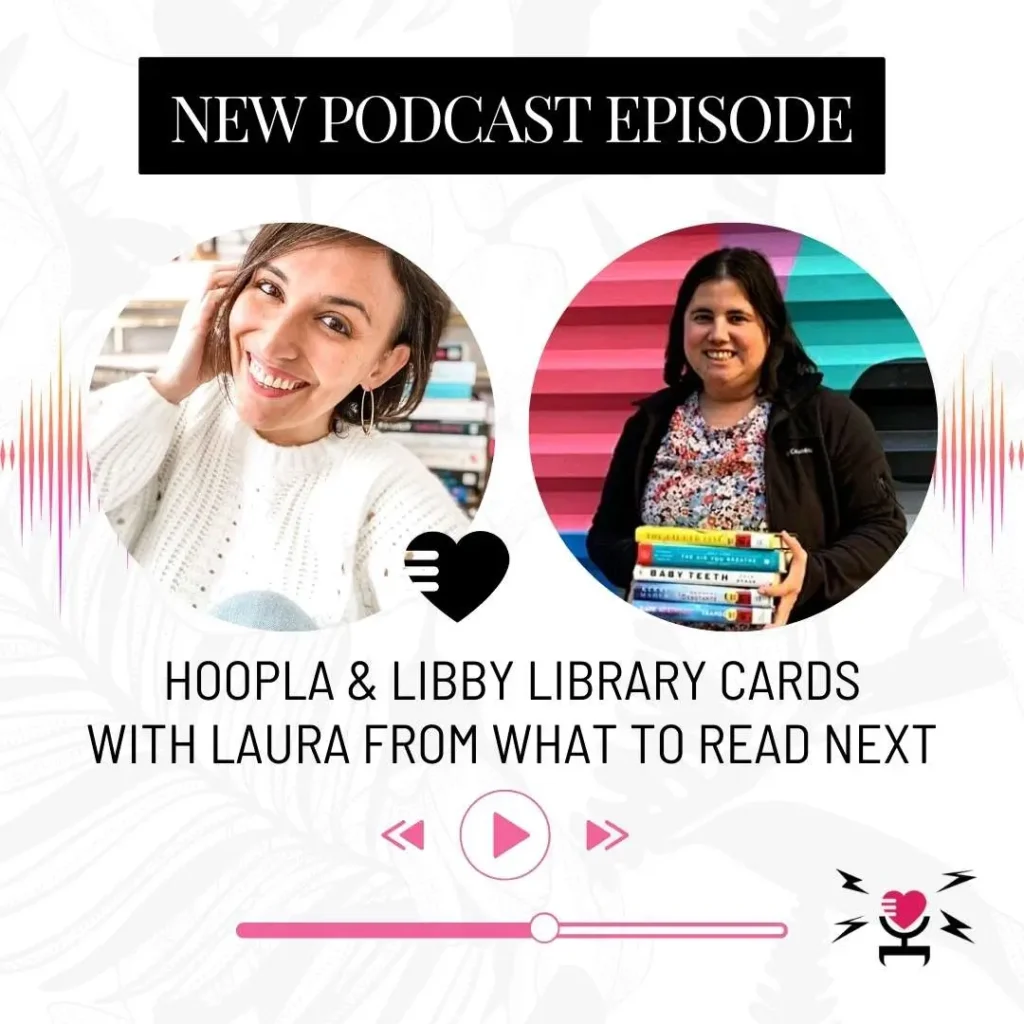
Is your book habit eating into your pizza budget? Same. The fix is free books from the library. And not just a couple of dusty old novels—we’re talking about unlimited access to the latest bestsellers, all-time classics, and those hidden gems you’ve never heard of but are about to become obsessed with. Thanks to a Hoopla and/or Libby library card, you can transform your phone or tablet into an endless library. You can even use libraries you don’t live near, with non-resident library cards.
We caught up with Laura from the What to Read Next Podcast, who’s pretty much a ninja when it comes to scoring free reads. She’s not a librarian, but she might as well be with all the insider knowledge she’s dropping on how to max out your library card without ever leaving your couch. Laura shared all her tips for getting the most out of digital library apps. Let’s get into it. Who says you can’t have your books and eat pizza, too?
Hoopla & Libby Library Card Tips with Laura from the What to Read Next Podcast
Prefer to listen? Press play on our latest podcast episode where Laura from What to Read Next Podcast spills the tea on getting your hands on all the free reads your heart desires, thanks to Hoopla & Libby.
Listen to the Podcast Episode
What is a non-resident library card?
A non-resident library card is basically your VIP pass to libraries outside your local stomping grounds. Why stick to one menu when you can order from multiple libraries in the country, right? Some of them will offer them for free, and others for a fee, which usually costs less than buying a couple of new books, you can expand the available books to you massively. Perfect for when you need more than what’s on your local menu.

How can one obtain a non-resident Libby library card?
If you’re ready to expand your reading repertoire with a non-resident Libby library card, here’s how you get started: First, pinpoint which libraries offer the best bang for your buck, especially if you’re into romance novels. Libraries like those in Cincinnati, Miami-Dade, and New Orleans are Laura’s recommendations for their stellar romance collections.
The process is pretty straightforward. Most libraries have you fill out an application online and pay an annual fee. Think of it as a subscription box for all the books you can read! Fees vary, but they generally range from $27 to $120 per year.
For which libraries to pick as a romance reader, with links to apply, check out Laura’s post on 11 Best Non-Resident Library Cards for Romance Readers.
How do you read library ebooks or audiobooks?
Browsing, borrowing and reading through the digital shelves of your library is a breeze with apps like Libby and Hoopla. Here’s the lowdown: For ebooks, Libby is a game-changer because you can send your borrowed books directly to your Kindle.
For audiobook lovers, both Libby and Hoopla let you listen directly in the app. And yes, the listening experience is pretty sweet. You can speed up the narration if you’re the type who likes to power through books.
Is there a limit to how many Libby library cards you can add?
Nope, there’s no limit to how many library cards you can add to Libby, which is pretty awesome if you ask me. You can stack up cards from different libraries, increasing your access to various collections and essentially turning Libby into your personal mega-library. So, if you’ve got access to multiple library cards, go ahead and load them all into Libby and watch your borrowing power multiply.
What is Hoopla and how does it work?
Hoopla is a digital media service offered by many public libraries that lets you borrow movies, music, audiobooks, ebooks, comics, and TV shows on your computer, tablet, phone, and even your TV! With no waiting, titles can be streamed immediately, or downloaded to phones or tablets for offline enjoyment later.
For those specifically looking for romance reads, Hoopla has a lot to offer. Laura has explored which non-resident library cards give the best access to romance titles on Hoopla. She recommends libraries like Miami Dade and Cincinnati for a robust selection of traditionally published romance audiobooks, while NOLA (New Orleans Public Library) stands out for its audiobook collection that includes a mix of indie titles.
For more on Hoopla romance audiobooks, check out Laura’s Ultimate Guide to Hoopla Digital. Additionally, her list of 14 Hoopla Romance Audiobooks offers curated picks to get you started with some great listens available through Hoopla.
Can you have more than one Hoopla card?
Each Hoopla account is tied to one library card, and you need a separate email for each account. While you can’t stack cards like in Libby, you can still open multiple Hoopla accounts with different emails if you want access to more than one library’s resources.
Would you like to save this?
What are the borrowing limits on Hoopla or Libby and how can they affect you?
The borrowing limits on Hoopla and Libby can vary significantly depending on the policies of the library whose card you’re using. Here’s how it works for each platform:
Hoopla: Libraries set their own borrowing limits on Hoopla, which can range from a few to several dozen items per month. These limits are imposed because each borrow actually costs the library money. So, if you’re a heavy user, you might run out of borrows before the month is up. This can be a bit of a bummer if you’re in the middle of a reading spree or love to binge audiobooks.
Libby: Libby, on the other hand, doesn’t have a universal set borrowing limit. Instead, limits are again determined by the library. This might mean a cap on how many books you can check out or place on hold at one time. While this doesn’t cost the library per borrow like Hoopla, high demand for certain books might lead to longer wait times, especially for new or popular titles.
For both platforms, these limits mean you need to plan your reading and listening habits a bit strategically. If you’re using multiple library cards, you can juggle between them to maximize access and minimize wait times. Remember, staying aware of each library’s specific policies will help you make the most out of your digital borrowing experience.

Are there any insider tips for using the Libby library card and Hoopla account more effectively?
Absolutely! Laura shared some fantastic insider tips for using your Libby library card and Hoopla account more effectively. Here’s a rundown to help you maximize these resources:
1. Multiple Library Cards: In Libby, you can add multiple library cards. This significantly broadens your access to different libraries’ collections, potentially reducing wait times for popular titles. More cards mean more options and fewer delays in getting your next great read.
2. Use the Hold and Delay Features: In Libby, if you’re not ready to start a new book but it becomes available (or a lot become available at the same time), you can use the “deliver later” option. This puts the book on hold for you without starting the borrowing clock, allowing you to finish your current read without losing your spot in line.
3. Early Access to New Releases: One pro tip for using Libby is to request new releases as early as possible. You can often request titles before they are released, so you’re at the top of the waiting list when the book is officially available.
4. Keeping Books Longer: If you haven’t finished a book and it’s due soon, turn your device on airplane mode. This stops the book from being returned automatically until you go back online.
5. Requesting Books and Audiobooks: If your library doesn’t have a book you’re looking for, don’t hesitate to request it. Libraries often welcome purchase suggestions from patrons. When it comes to indie titles that are enrolled in Kindle Unlimited (KU) and thus exclusive to Amazon for ebooks, if the indie title has an audiobook version that isn’t exclusive to Amazon’s Audible (meaning it’s not Audible-only), you can request the library to purchase the audiobook instead.
6. Take Advantage of All Available Resources: Beyond books, your Library card offers access to movies, music, newspapers, magazines, classes and more! Laura encourages exploring these additional resources to get the full benefit of your library card.
7. Organizing Library and Hoopla Accounts: To keep track of your various library and Hoopla accounts efficiently, consider setting up a spreadsheet. In this spreadsheet, you can list all your library card numbers, PINs, and associated email addresses, particularly if you have multiple Hoopla accounts tied to different emails. You can also include details like expiration dates for non-resident library cards or any fees paid, ensuring you always know when renewals are due or how much you’re investing in these resources.
Read More
- Romance books about librarians
- Spring Cleaning Guide to Bookshelf Organization
- Gift Ideas for Book Lovers
Pin it for Later


